




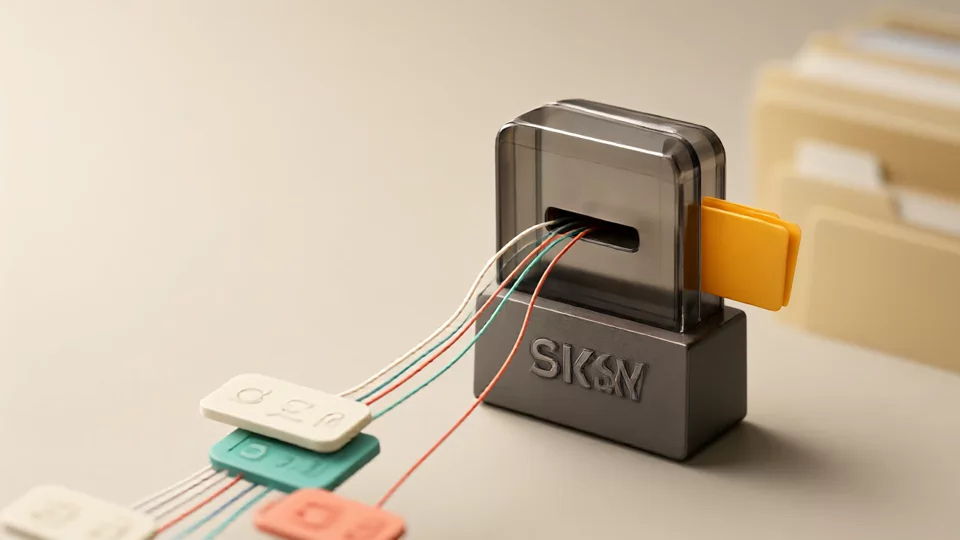
A customer asked about a quote once via a Facebook Page direct message, then two days later followed up about shipping time using a Twitter account. When the agent opens the to-do list, they see two unrelated records: one says “Reply to FB DM,” the other says “Handle tweet inquiry.” The two replies are inconsistent, and the customer has to explain who they are all over again.
This break is not caused by slow replies; the reason is that the conversation never becomes a to-do task with context. The ticketing system’s place in this chain is clear: it comes after message aggregation and before the customer record. It is responsible for locking down “this conversation requires someone to do something,” then sending the result back to the customer profile. It is not a replacement for chat tools, nor should it become a third ledger that has to be copied by hand.
Exactly which part of this chain does the ticketing system connect to?
Messages, tickets, and customer records each answer different questions. Messages answer “what the customer said, where the original text is, and which platform and account it came from”; tickets answer “who does what and when, and how far it has progressed”; customer records answer “what language this customer usually uses, where the last inquiry left off, and how to pick up next time.” When the three are mixed together, the most common result is that the chat content gets copied into the ticket, and as soon as the customer adds information, the ticket record is out of date.
Connecting them relies on two loops. The first is conversation-to-task: a conversation is judged in the unified inbox as needing follow-up, converted into a ticket, and carries its context with it. The second is task write-back to the customer: when the ticket is closed, the language preference, conclusion, and next step are written back to the customer record, so when the customer writes again, the conversation continues from the record instead of starting from zero. Do only the first, and the customer profile is always empty; do only the second, and no one knows who currently has the matter in hand. For the follow-up actions in the latter part, seeHow to carry customer follow-up forward after multi-account social communicationin that article.
The four fields that must be carried over when a social media conversation is converted into a ticket
More fields are not necessarily better. The longer the form, the less likely frontline agents are to create a ticket, and the ticket conversion rate drops instead. The following four items are the minimum standard that can support handoff.
| Field | What to write | Consequences if missing |
|---|---|---|
| Source platform and account | Specific entry points such as Facebook Page A and Twitter account B, rather than just “social media” | Replying to the wrong account, duplicate replies, and inability to find the original conversation afterward |
| Customer identity and language preference | Platform username, email address or order number provided by the customer; communication language and whether translation is needed | Re-evaluating the language each time, using the wrong language in translations, and the same customer being split into multiple people |
| Conversation summary and reference to the original conversation | State the request in one sentence, and attach the message link or timestamp. | During handover, people scroll through chat history, and the same passage gets translated repeatedly. |
| Next action, owner, and deadline. | Who does what, and when the result will be delivered. | The ticket stays at “Read,” with no one moving it forward and no one noticing that it has stalled. |
A “conversation summary” is one sentence, not a full-text paste: the summary states what the customer wants, while the source location is left to a link or timestamp. Keep the two separate so the ticket does not become a chat-history backup.
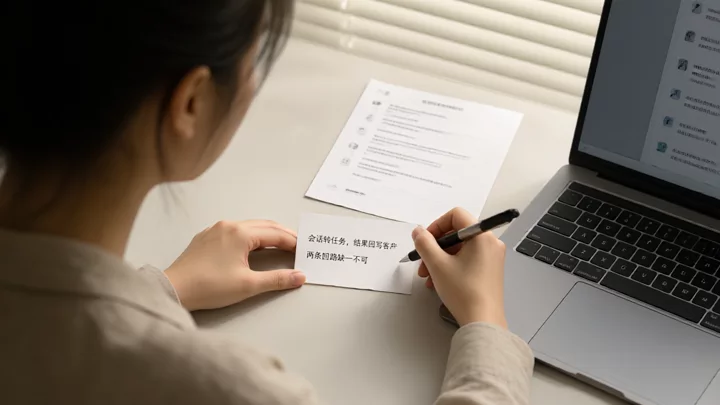
Facebook customer service system scenario: public interactions and direct messages should not be crammed into the same ticket.
The facebook customer service system mentioned here refers to how a team receives customers on the Facebook channel and how it is configured; it is not the name of an official product. The same customer may first ask a question in a public comment and then move to a Page direct message; these two tracks differ in visibility, reply tone, and owner. Forcing them into one ticket often ends with half an answer in the public area and another answer in direct messages.
- Clear inquiries, such as pricing, inventory, shipping, and returns or exchanges, can be converted into tickets.
- When follow-up is needed across shifts or people, convert it into a ticket and state the deadline.
- When an inquiry involves an order, after-sales service, a refund, or a complaint, you must create a ticket and include the order number.
- Likes, emoji reactions, and a one-line courtesy compliment do not require a ticket; this keeps ticket noise from burying real to-dos.
- For substantive questions in public comments, respond in the comment thread and guide the customer to a direct message first, then create a ticket for the direct message.
Before creating a ticket, check once whether the customer already has an open ticket; this is especially easy to miss when multiple accounts are handling conversations in parallel. To check translation quality and account ownership together, refer tothe checklist for choosing cross-border translation software for FB.
When running multiple Twitter accounts, first fix duplicate tickets for the same customer across accounts
Running multiple Twitter accounts is usually about serving customers by region, product line, or language. But as accounts multiply, “which account received it” easily becomes the customer identifier. When the same person asks about a refund on account A and then follows up on the progress on account B, the system ends up with two customers, two tickets, and two sets of replies.
- First confirm the customer: verify identity using relatively stable identifiers on the platform (username, email address provided by the customer, or order number), and record the account only as the source.
- Then confirm the issue: compress the new message into one sentence and compare it against the summaries of existing tickets one by one, rather than comparing entire chat logs.
- Check for open tickets: search by customer with the “open” status to confirm whether the same issue is already being handled.
- Decide the action: for the same customer with the same issue, merge into the original ticket and add a source note; for the same customer with a different issue, create a new ticket under the customer record and link the two; only create a new ticket when it is a different customer.
The third step is the one most easily skipped among the four. In multi-account setups, agents see only the account view they are responsible for; a ticket in someone else's account that has not been closed yet may not be in their line of sight. That is why the search action must be fixed as a process, not left to memory. In multi-account mode, translations should also follow the conversation, so the same passage is not translated twice across two accounts or phrased inconsistently. For the criteria, seeComparison and evaluation points of translation tools in social multi-account management.".
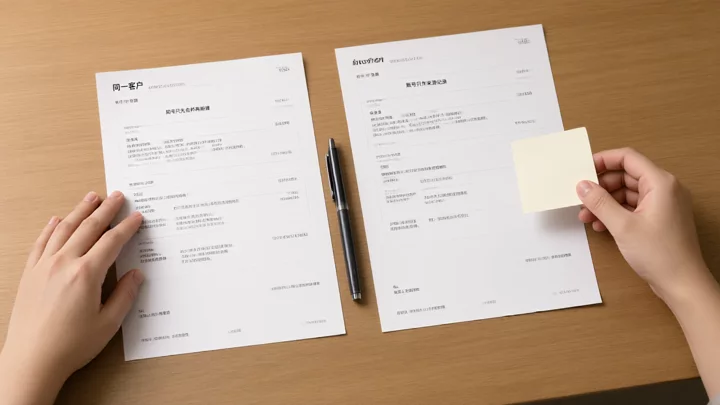
Before closing a ticket, which layer of customer management should the result be written back to
Closing a ticket is only the end of an action. If the information stays only in the ticket, the next person taking over will still have to dig through old tickets. At minimum, write back five types of content, and make clear where each should be stored.
- Customer language and communication preferences: write into customer fields and reuse across tickets.
- Latest request in one sentence: write into customer fields and overwrite it with the most recent conversation.
- Handling conclusion (resolved, awaiting customer confirmation, needs escalation): details go in ticket notes, status goes in customer fields.
- Next follow-up time or owner: if there is no next step, explicitly write "no follow-up needed" to avoid zombie to-dos.
- Source account and platform: record which entry point the customer usually comes from, and prioritize the same entry point when replying.
When a customer writes again, the correct entry point is the customer record, not a newly created blank ticket. Only when the request is genuinely new and unrelated to history is it worth opening a separate one.
Selection check: ticket capabilities and aggregated translation capabilities must be verified separately
These two types of capabilities are often marketed together as a package, so they must be separated during verification. The following items can be checked one by one during a trial:
- After messages from multiple platforms and multiple accounts are aggregated, is source account attribution still retained?
- Do translations follow the conversation: after switching accounts, do the original text and translation still appear as a pair?
- Does the ticket carry the source platform, account, and customer association, instead of being an isolated task table?
- After a ticket is closed, can it write back to the customer record and be reopened or continued when the customer returns?
- Are handover records traceable: who changed what, and when?
A boundary must be drawn: the materials on this site describe multi-platform, multi-account aggregation management, AI translation, and customer management. Whether tickets are a built-in capability should be checked against the current descriptions on the official website and in the client; it must not be assumed to be included. If tickets are handled by another system, at least the third, fourth, and fifth items must be achievable across systems; otherwise, "linking" is only nominal. For the causes of multi-account to-do backlog and the allocation rules, further reading:Allocation and follow-up approaches for multi-account customer communication; if the team is still comparing how ticket workflows fit team size,Selection comparison: ticket workflows and team fitoffers another angle for judgment. The scope of SKY SCRM's aggregated management is subject to the official website description, and you can check.Multi-platform, multi-account aggregated management
Frequently Asked Questions
Can a ticketing system read social platform direct messages directly?
It depends on whether it is connected to the message aggregation layer. A standalone ticketing system usually requires manual ticket handoff or integration through APIs. Which platforms it can read and which fields it can access should be verified against the product's current documentation, not inferred from marketing language.
When does a multi-account team actually need ticketing?
When the same matter has to span shifts, people, or more than one reply to complete. For inquiries handled by one account, one person, and wrapped up the same day, an aggregated inbox plus customer records is usually enough; forcing in a ticketing system only adds data-entry burden.
If the same customer inquires on both Facebook and Twitter, should the tickets be merged?
Merge for the same issue; link but do not merge for different issues. The prerequisite is a unified customer identifier, with the account serving only as a source field; otherwise, so-called merging just puts two isolated tickets in the same drawer.
After a ticket is closed and the customer writes in again, how do you reconnect with the original context?
Start from the customer record, check the language preference, the last conclusion, and the source account, then decide whether to continue the original ticket or create a new one and link it. If the customer record contains only ticket links and no conclusion summary, the write-back step has not been done properly.